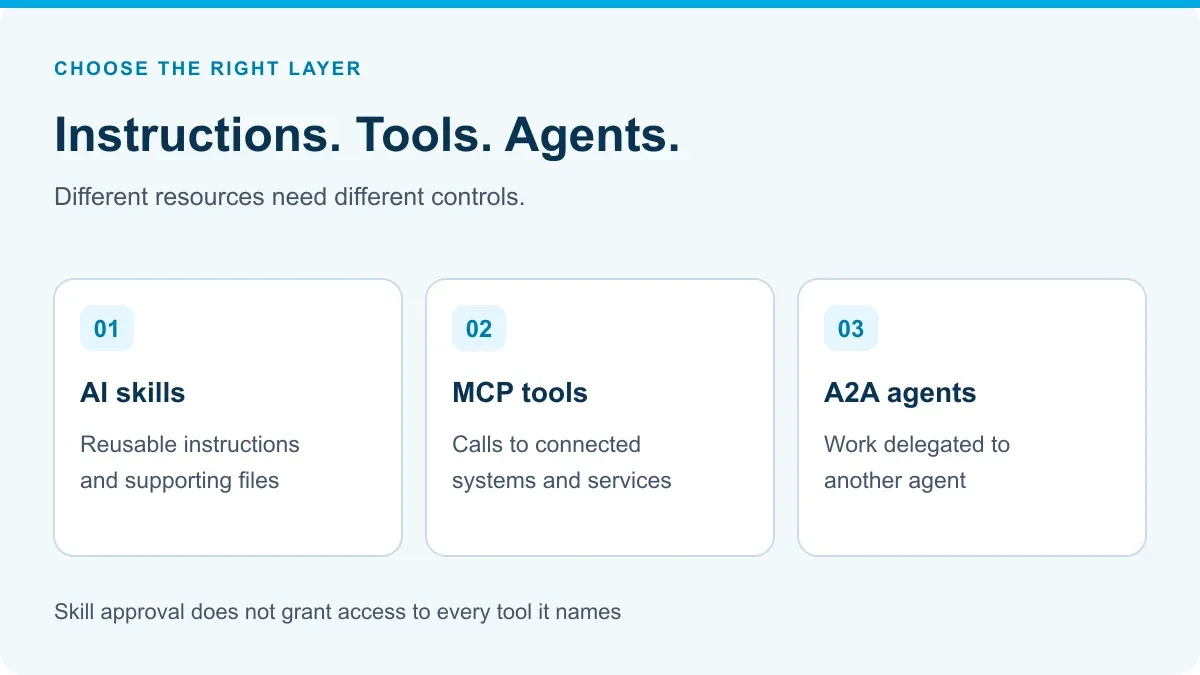
AI skills and MCP tools solve different problems. A skill packages instructions and supporting files for how an agent should approach a task. An MCP tool exposes an operation the agent can invoke. Jarvis Skill Gateway governs private skill content and its distribution; Jarvis MCP Gateway governs discovery and live tool access.
That distinction matters when choosing a platform. A team may need consistent review instructions, controlled access to a ticketing system, or both. Approving the instructions does not automatically authorize the ticket operation.
Choose the layer that matches the problem
The Agent Skills format packages a SKILL.md file with optional scripts, references and assets. Skills can therefore contain executable material, not just prose. Review the whole package before distributing it. Our checklist in is it safe to use public agent skills shows what to look for. Both Cursor and Claude Code read this format, so skills are the part of a Cursor setup most likely to carry over; our guide to what maps from Cursor to Claude Code covers the rest.
The MCP architecture defines tools as executable functions offered through a client-server protocol. MCP also supports resources and prompts; it is broader than tools alone. This comparison focuses on reusable skill packages versus invoking a live tool.
| Team need | Better starting point | What still needs a separate control |
|---|---|---|
| Developers follow the same incident-review method | A reviewed skill with instructions and a report template | Quality checks and safe execution of any bundled scripts |
| The assistant reads current incident records | An MCP tool connected to the incident system | Caller identity and access to those records |
| The assistant changes incident status | A write-capable MCP tool with explicit permissions | Approval requirements and business-system authorization |
| The assistant delegates to a specialist agent | An agent integration, such as A2A | Target-agent access, task handling and result review |
An agent-to-agent, or A2A, integration introduces another executing agent. It is not simply a downloaded skill or a renamed database tool. Jarvis’s Agent Gateway addresses that separate access path.
What does Jarvis provide for each layer?
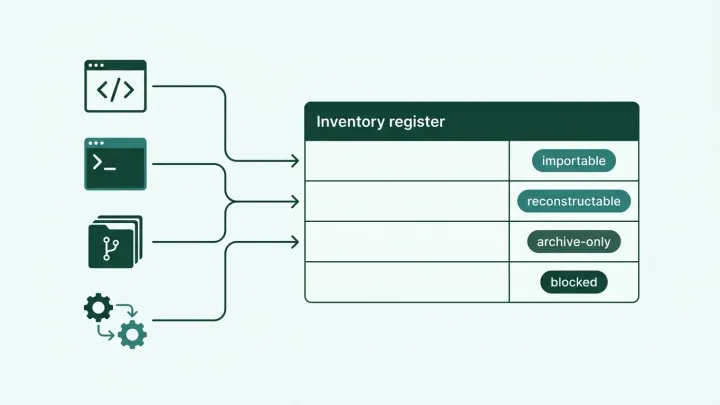
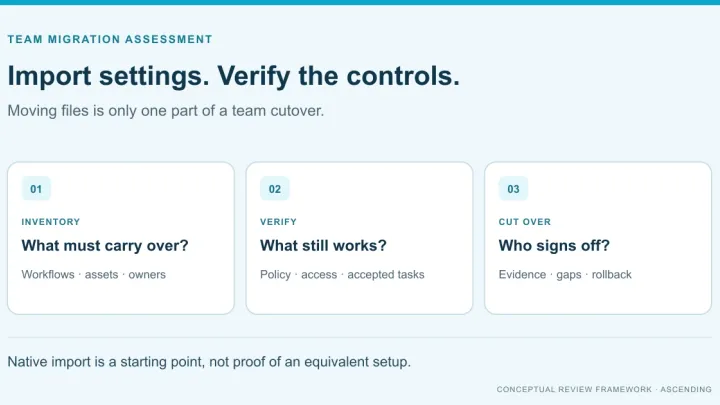
The Skill Gateway documentation describes private skill resources, authoring through the Registry UI or API, and permissions for viewing, editing, deleting and sharing. Its documented GitHub import brings skill content into Registry in one direction; Registry does not push edits back to the repository.
The AI Skills CLI then syncs accessible content to Claude Code, Codex or GitHub Copilot, in personal or project environments. Registry manages the content and access; the CLI handles delivery to the developer’s tool.
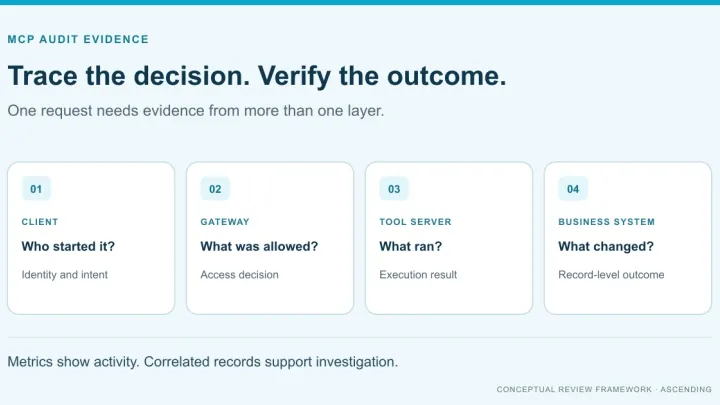
For live operations, MCP Gateway supplies permission-scoped discovery and per-tool access policy. The team still registers the relevant server, configures identity and verifies the permissions used inside the connected application.
| Requirement | Supplied Jarvis capability | Team’s implementation responsibility |
|---|---|---|
| Keep internal skills private | Skill resources with access controls | Decide owners, reviewers and permitted users |
| Reuse approved content across supported clients | Access-aware CLI sync | Choose project/personal scope and a sync schedule |
| Connect to existing business operations | Registered MCP servers behind a gateway | Supply or configure the relevant tool integration |
| Restrict live actions | Identity-based gateway policy | Verify permitted operations and downstream record access |
For organizational rollout and maintenance, see private skill management. Here, the decision is which layer performs which job.
Example: prepare an incident review without closing the incident
In an illustrative workflow, an engineer asks an AI coding assistant to draft a post-incident review. A private skill supplies the review headings, the team’s severity definitions and a rule to label unknown facts. A registered MCP tool retrieves the engineer’s permitted incident records. Another tool can change incident status, but that action is outside this user’s allowed role.
The skill helps organize the work. The search tool supplies current evidence. The gateway’s access policy limits the available operations. The incident system still determines which records the configured identity may access.
Now test a deliberate conflict: the skill or the user asks the assistant to close the incident. The prohibited write should be denied by enforced access controls—not merely avoided because an instruction said “do not close.” For an Entra-based rollout, use the two-role MCP access-control test.
This is also why instructions, credentials and authorization should not be bundled together. A skill should not distribute shared secrets as a shortcut to making its example work.
Check the two lifecycles separately
Skill content changes and runtime access changes are different events. Before rollout, test both:
- Change a skill: sync again and confirm the intended managed files reach each supported client. Check how local edits or naming collisions are handled.
- Remove skill access: check Registry visibility and the next managed sync. Do not assume that already-read content or independent file copies can be recalled immediately.
- Remove tool access: attempt the same live operation again and inspect the policy decision and the connected system’s result.
- Check the completed work: compare the incident-review draft with the source records. A successful sync or an allowed tool call does not establish answer accuracy.
The CLI documents reconciliation of managed skills during sync, including access changes. Set the update cadence deliberately rather than promising every developer instantly receives every revision. Similarly, private Registry hosting does not by itself determine where a connected model processes the material it receives.
Bring one skill and one tool to the demo
Start with Skill Gateway when the immediate problem is distributing maintained instructions privately. Start with MCP Gateway when the problem is controlled access to business operations. Evaluate both when a repeatable method needs current company data or actions.
Request a Jarvis demo using one representative skill, one MCP server and two user roles. Ask to see content delivery and allowed/denied tool calls separately, then test the combined workflow before expanding it.
References
- Agent Skills format overview
- MCP architecture and tools
- Jarvis Skill Gateway documentation
- Jarvis AI Skills CLI documentation
- Jarvis MCP Gateway
AI Skills and MCP Tool Questions
Can Jarvis govern both skills and MCP tools?
Yes. Skill Gateway manages private skill content and access-aware distribution. MCP Gateway handles discovery and access policy for live tool calls. They control different parts of the workflow.
Does an approved skill authorize the tools it mentions?
No. A skill can describe an operation, but tool execution still needs the appropriate identity, gateway policy and downstream-system permissions.
Which clients receive skills through the Jarvis CLI?
The documented integrations are Claude Code, Codex and GitHub Copilot. The CLI syncs accessible skills into personal or project environments.
Does Registry write skill changes back to GitHub?
No. The documented import runs from GitHub into Registry. Registry edits are not automatically written back to the source repository.