Yes. Jarvis Chat by ASCENDING supports embedding through a JavaScript SDK, Web Components or iframe, alongside enterprise identity integration. Teams can combine the embedded experience with Jarvis Knowledge Base retrieval and source citations so employees can ask about selected company information from their existing portal.
Consider this approach when employees already use a portal, recurring questions have maintained answers, and the team wants company sign-in and defined access. For example, an IT-help pilot can guide an employee through an approved VPN setup while preserving the existing support route when the guide is insufficient.
What Jarvis supplies for an employee portal
Company sign-in, the embedded interface and knowledge retrieval are connected capabilities, but each has its own deployment check.
| Employee need | Documented Jarvis capability | Deployment check |
|---|---|---|
| Open AI help without leaving the portal | Jarvis Chat SDK, Web Components and iframe | Select the embed method and fit it around the portal’s navigation |
| Use company identity | Jarvis Chat enterprise identity integration and group/role-based rules | Configure the identity provider, session flow and allowed models or sources |
| Inspect the evidence behind an answer | Jarvis Knowledge Base retrieval with passage-level citations | Maintain the selected guides and test access to each returned source |
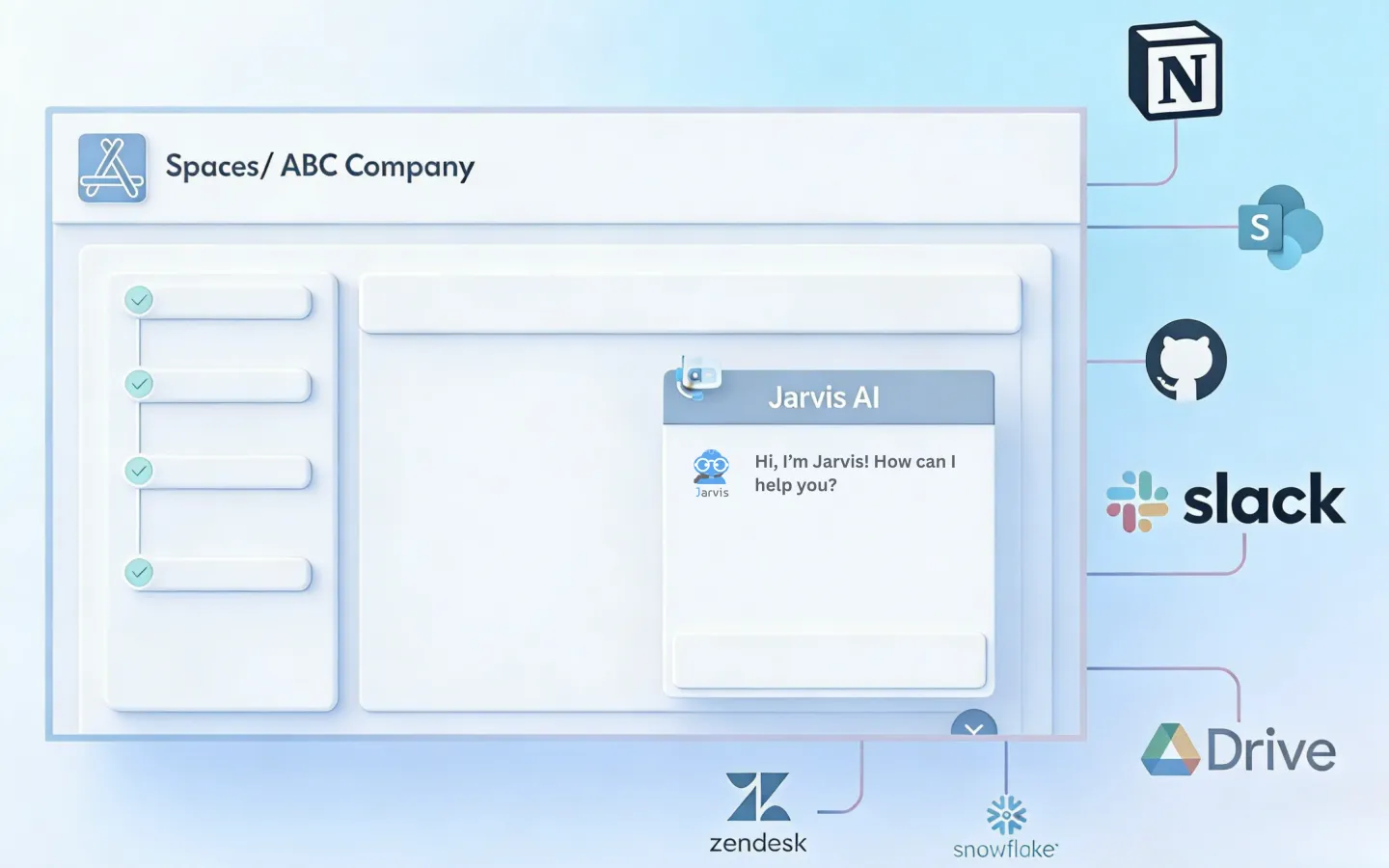
The Jarvis embedding demonstration provides a visual reference. Evaluate the experience in your own portal with two employee roles rather than assuming the portal’s existing login automatically configures the assistant.
Embed the assistant or retain a custom chat interface?
“Keep our interface” can mean two different projects. Choose the one that matches what you actually need to preserve.
| Approach | What you keep | Integration scope |
|---|---|---|
| Embed Jarvis Chat | Your portal and surrounding navigation | Component placement, styling, identity and permitted sources |
| Connect an existing custom chat interface | Your own conversation screen and interaction design | Confirm backend API compatibility, streaming, uploads and required actions |
The documented embedding methods supply an interface to add. Replacing the backend of a custom chat application is a separate integration, not a guaranteed drop-in substitution.
Illustrative journey: IT help inside the employee portal
This proposed pilot uses one maintained VPN guide. It is not a reported customer deployment or a claim of an automatic service-desk integration. The support owner selects which questions the guide can answer and which require investigation or administrator access.
- Open the portal. The employee signs in through the configured company identity flow and opens embedded Jarvis Chat beside the existing support options. Test a standard employee and an IT reviewer with their respective access.
- Ask the IT question. The employee asks how to set up the approved VPN client and supplies the device details needed to select the applicable guidance. If key information is missing, the pilot’s expected response should ask for clarification rather than invent instructions.
- Inspect the answer and source. The assistant retrieves the selected guide through Knowledge Base. The employee can open the cited passage and check that the instructions apply to their device. Verify that each role can see only the intended guidance.
- Resolve the issue or use support. The employee follows the guidance. If installation fails, needs administrator access or falls outside the guide, the existing service-desk route stays available. Automatic ticket creation and transcript transfer are separately scoped requirements.
- Improve the source material. The support owner reviews unresolved questions, corrects unclear instructions and removes obsolete versions. Re-test the original question and restricted-role cases after changes.
The assistant’s role here is to help an employee find and use approved instructions. Password resets, access grants or other privileged actions require separate authorization and integration. Our company knowledge assistant guide covers the source-maintenance and retrieval checks in more detail.
Deployment checklist after the example works
- Identity and sessions: trace company identity from portal to assistant, knowledge source and any tool. Check token renewal, logout and isolation between users’ conversations. Microsoft’s web-channel security guidance illustrates session/token principles for Copilot Studio; it does not describe Jarvis’s specific implementation. Keep permanent provider secrets out of browser code.
- Permissions: test allowed and restricted roles using the same question, including whether the citation opens for each user. Knowledge-domain access and the source document’s permissions both need checking. For actions, Registry scopes and resource permissions remain separate from the destination system’s record permissions and any required human approval.
- Browser behavior: where the embed uses cross-frame messaging, check origins using MDN’s postMessage guidance. Test keyboard navigation, focus and mobile layout using W3C’s keyboard-accessibility guidance. These are engineering checks, not evidence of a particular Jarvis configuration.
- Errors and data paths: check expired sessions, interrupted connections and failed calls. Show whether a request failed, is pending or can be retried. Hosting the interface in your cloud does not keep external-model requests there; review selected model endpoints, transmitted context and logging.
- History and ownership: if old conversations must be retained, verify supported import formats and permissions. Agree retention, deletion and export, and name the team that maintains the embed, identity integration and guides.
Related portal workflow: healthcare verification
A healthcare staff portal should display the verification state and the evidence behind it separately. The insurance eligibility record design defines those fields, and the voice AI payer-call handoff describes what an employee needs when a question remains unresolved. Make the review action explicit in the interface instead of treating a conversational answer as permission to update a patient record.
Measure verified resolution, not just fewer tickets
Count whether the employee’s issue was actually resolved, not only whether they opened chat or avoided submitting a ticket. Compare the same support category before and during the pilot, including employee effort, support review time and issues that return later.
Record the sample size and review period. Fewer tickets are not an improvement if employees stop seeking help while the issue remains unresolved. These outcomes require support records or follow-up confirmation; interface activity alone does not establish them.
Request a Jarvis Chat demo around one portal, a maintained guide and two employee roles. Walk through sign-in, the question, the cited answer and the support fallback so the team can assess the experience employees would actually use.
References
- Jarvis Chat: embedding and enterprise identity
- Jarvis Knowledge Base: retrieval and citations
- Jarvis Registry: RBAC and scopes
- Microsoft: web and Direct Line channel security
- MDN: cross-origin messaging with postMessage
- W3C: keyboard accessibility
Questions about embedded enterprise AI
Who should consider Jarvis Chat for an employee portal?
Teams that want AI help inside an existing portal, with company identity integration and maintained internal guides. Start with one support use case and defined employee access.
Can Jarvis Chat be embedded in an existing application?
Yes. Jarvis Chat supports a JavaScript SDK, Web Components and iframe embedding. Choose the method that fits your portal, identity setup and user-experience requirements.
Can employees use their company sign-in?
Jarvis Chat supports enterprise identity integration with group and role-based access. Configure the identity provider and session flow, then test two employee roles and their permitted sources.
Is embedding the same as replacing our current chat backend?
No. Embedding places a provided interface inside your application. Keeping a custom interface while changing its backend is a separate integration that needs API and feature compatibility review.
Does a customer-hosted interface keep every model request private?
No. Requests sent to an external model API follow that provider's data path and terms. Review the selected models, tool connections and logging configuration separately from interface hosting.
Can an IT knowledge assistant reset passwords or grant access?
A knowledge pilot can explain the approved request process without making changes. Password resets or access grants need a separately scoped integration, authorization and any required approval.