

How should MCP access control work?
MCP access control should decide whether a trusted user or workload may invoke a specific tool against a specific environment. Make that decision on every call, including calls to tools hidden from discovery. Then check the downstream credential: permission to invoke a search tool does not establish permission to read every record it can reach.
Last verified: November 3, 2026. The examples define a proposed policy and acceptance test.
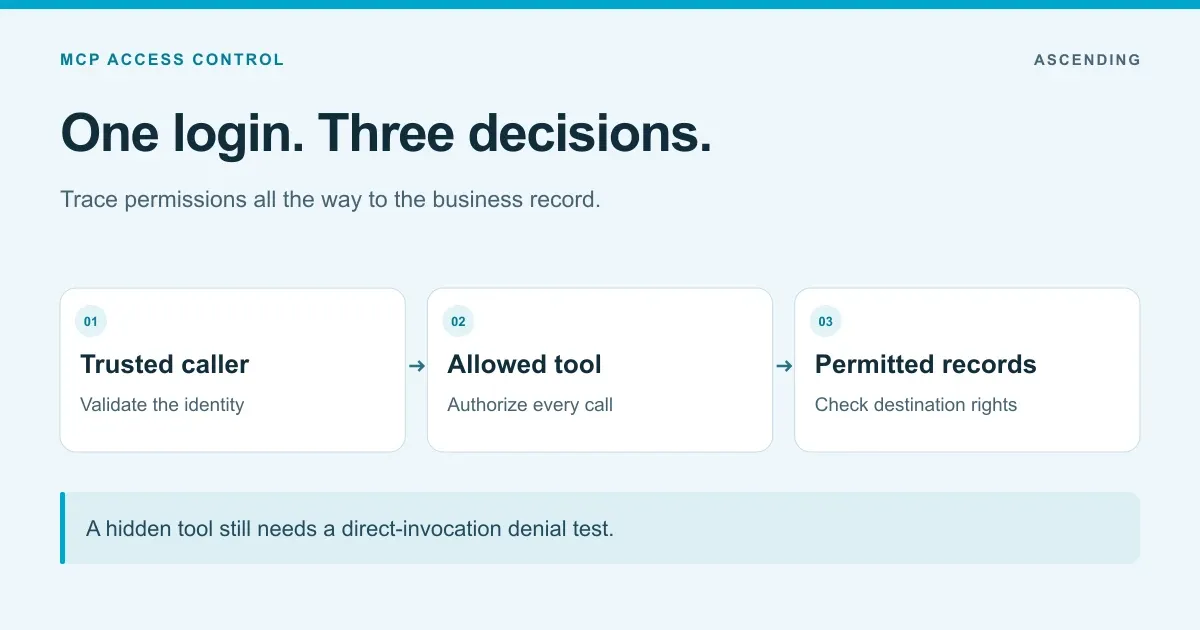
A support employee can search tickets. A support lead can also change a ticket’s status. Neither should read a restricted HR ticket. That small example already contains three separate decisions: who is calling, which operation is allowed and which records the destination may return.
This article works through those decisions without assuming a particular identity provider. For the authentication flow, start with MCP OAuth with Entra ID or Okta. For a Jarvis rollout using Microsoft groups, use the Entra ID implementation guide.
Which identity should the policy trust?
Use an identity established by the authentication layer. Validate the issuer, intended audience and token validity before mapping claims to a policy. A user_id supplied inside model-generated tool arguments is ordinary input; it must not let the caller choose whose privileges to borrow.
The MCP HTTP authorization specification defines access to protected servers. Its security considerations require validation that a token was issued for the receiving server. Your policy then decides what that validated identity may do.
Keep the human and workload identities distinct. An employee asking an assistant to search tickets differs from an overnight job scanning a queue. The job needs its own granted scope, owner and credential lifecycle. It should not inherit an absent employee’s broad rights merely because that person configured it.
This follows the resource-and-identity approach described in NIST’s zero trust architecture. A request arriving from a corporate network still needs an access decision.
Write the permission matrix before the gateway rule
Agree on expected outcomes with the business-system owner. Use separate read and write tools where the workflow permits it; they make the permission boundary easier to inspect.
| Caller | Tool | Target | Expected decision |
|---|---|---|---|
| Support employee | search_tickets | Ordinary assigned queue | Allow within record permissions |
| Support employee | update_ticket_status | Same queue | Deny |
| Support lead | update_ticket_status | Same queue | Allow after any required approval |
| Either role | search_tickets | Restricted HR queue | Deny access to restricted records |
| Nightly reporting job | search_tickets | Reporting dataset | Allow only the workload’s defined scope |
| Any caller | Unknown or unreviewed tool | Any environment | Deny pending review |
A tool called execute_query needs closer attention than search_assigned_tickets. If its arguments accept arbitrary queries, controlling the tool name alone leaves a large set of operations behind one permission. You may need argument validation, database permissions and narrower server-side functions.
Here is policy pseudocode, not a configuration accepted by a particular gateway:
deny unless authenticated_caller is valid
deny unless server_release is approved for requested_environment
deny unless requested_tool is granted to authenticated_caller
deny unless arguments satisfy the tool's allowed operation
execute using the approved downstream identity
enforce record permissions at the destination
Default-deny behavior matters when a server adds a tool. A new export_all_tickets method should not become available merely because the old search tool was approved. Tie the grant to the reviewed server and tool definition in your private MCP registry.
Enforce discovery and invocation separately
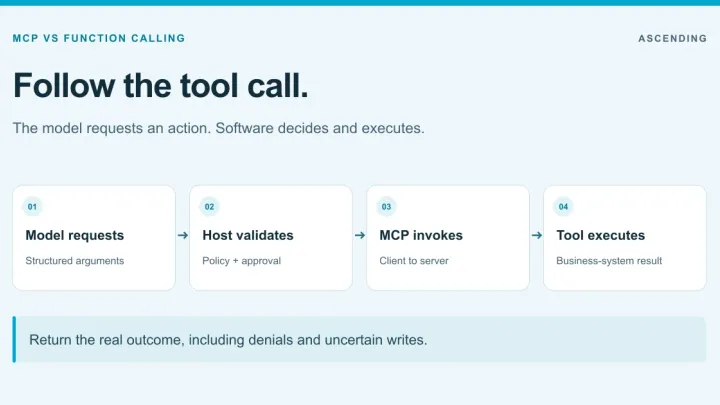
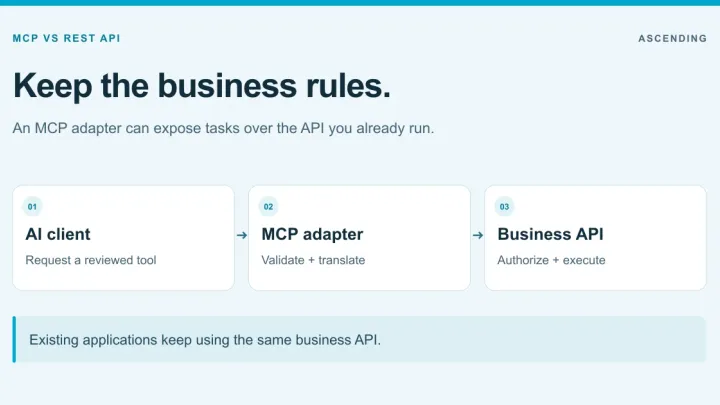
If a broad tool simply forwards arbitrary API requests, use MCP vs REST API to narrow the interface before writing policy. MCP vs function calling shows where schema validation and host-side checks fit around the server’s authorization decision.
Filter the list presented to the caller, then authorize the actual invocation independently. The current MCP tools specification allows the returned tool set to vary with request authorization. That supports permission-scoped discovery; your implementation supplies the policy.
The important test is a direct call. Have the support employee request update_ticket_status by its known name, even though discovery did not show it. The denial must happen before the downstream write. A hidden menu item is useful presentation, but it cannot carry this security boundary.
Also check the cache. If a lead discovers tools, signs out and a support employee signs in on the same client, the second identity must not receive the first identity’s cached view. A cache key and its invalidation behavior need to reflect the authorization context.
Client restrictions can help keep traffic on the intended route. Our Claude Code managed-settings guide covers that layer. Server and gateway enforcement still need to work when a client sends an unexpected request.
What credential reaches the business system?
Draw this explicitly. If every user reaches the ticket API through one powerful service account, the ticket API sees that service account’s privileges. Recording the employee’s name in a gateway log does not reduce those privileges.
Two common designs are:
- Delegated user access: The destination evaluates a credential representing the current user. Verify the delegation flow and the resulting record permissions.
- A scoped service identity: The integration has a defined dataset and operation set. The server must enforce any user-specific restrictions that the destination cannot infer from that shared identity.
Neither pattern makes it safe to forward an inbound token indiscriminately. The MCP project’s security best practices explain the risks of token passthrough. Obtain a credential intended for the downstream resource through a supported flow.
Use two test records with the same format: one ordinary and one restricted. A successful search of the ordinary record proves the integration works; an unsuccessful attempt to retrieve the restricted one proves a different requirement. Keep both tests.
Test revocation while the client is still open
Removing a person from a group may leave an existing token valid. A changed gateway rule may require a reload. The downstream system may keep its own session. Write down each cache or credential lifetime rather than assuming that sign-out clears the whole chain.
Choose the maximum acceptable revocation interval for the workflow. For a sensitive write, you may need a server-side block that takes effect before identity-provider tokens expire. Measure the deployed behavior using the actual client employees run.
Run this acceptance set against a harmless test backend:
- The employee discovers only the permitted tools and can search the ordinary record.
- A direct update request is denied and the backend record stays unchanged.
- The lead completes the permitted update, with the intended downstream identity.
- Both users are prevented from reading the restricted record.
- Removing the lead’s write grant blocks a new update from the already-open client within the agreed interval.
- A client attempting the backend’s direct MCP endpoint cannot bypass the required control.
- Missing, invalid or wrong-audience credentials cannot reach the business operation.
Repeat the tests after changing a server release, policy mapping or credential method. Record expected and observed results separately. These are acceptance criteria for your rollout, not claims that every MCP gateway already satisfies them.
What evidence should a denied call leave?
Capture enough to connect the authenticated subject, tool, environment, decision and destination outcome. Use a correlation identifier across the gateway and backend. Keep credential values out of the record and collect sensitive arguments only when a justified investigation requirement calls for them.
A gateway denial and a downstream authorization failure mean different things. The first should stop the operation before forwarding. The second means the request reached the destination and was refused there. The MCP audit-evidence guide covers how to reconcile those records.
Permissions also limit the impact of malicious instructions, but they do not establish that a permitted operation is appropriate. Review tool poisoning and definition changes separately. For a destructive or consequential write, add the workflow’s human approval requirement and ensure approval binds to the actual action and arguments.
How should you evaluate a gateway’s access controls?
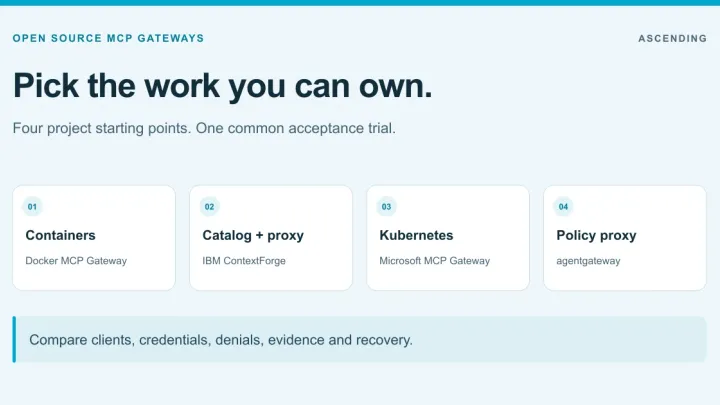
For projects to put through that trial, use the open source MCP gateway comparison. Its documentation matrix is a starting point; the permission tests here determine whether the selected release meets your workflow.
Bring the permission matrix, two identities and two records to a trial. Ask to see the native policy, the blocked direct invocation and the destination’s resulting access. Compare candidates using the MCP gateway buyer’s guide, then use the gateway overview to place each control in the request path.
ASCENDING builds Jarvis. The Jarvis MCP gateway page describes RBAC and per-tool ACLs. Evaluate the configured deployment against your matrix, including the downstream identity and measured revocation interval, before extending the pilot to more users.
References
- MCP HTTP authorization
- MCP authorization security considerations
- MCP tools: discovery and invocation
- MCP security best practices
- NIST SP 800-207: Zero Trust Architecture
MCP tool authorization questions
How do I control which users can call which MCP tools?
Authenticate the caller, map trusted identity claims to permitted tools and enforce that decision on every invocation. Filter discovery as well, then verify that downstream credentials preserve the intended record access. Test direct calls, cross-user access and revocation from an existing client.
Is hiding a tool from tools/list enough?
No. A client may remember a tool name or send a request directly. The gateway or server must independently authorize tools/call. Filtering discovery reduces exposure but cannot replace enforcement.
Does MCP OAuth define our company's roles?
MCP's HTTP authorization specification defines an OAuth-based way to access protected servers. Your organization still defines the mapping from users, groups or workloads to tools, environments and business records. An access token is input to that decision.
How quickly should MCP access revocation take effect?
Set and measure an interval for your deployment. Token lifetime, group caches, gateway policy reloads and downstream sessions can all affect it. Test an already-open client as well as a fresh login, and decide how to stop a high-risk operation while those states expire.